
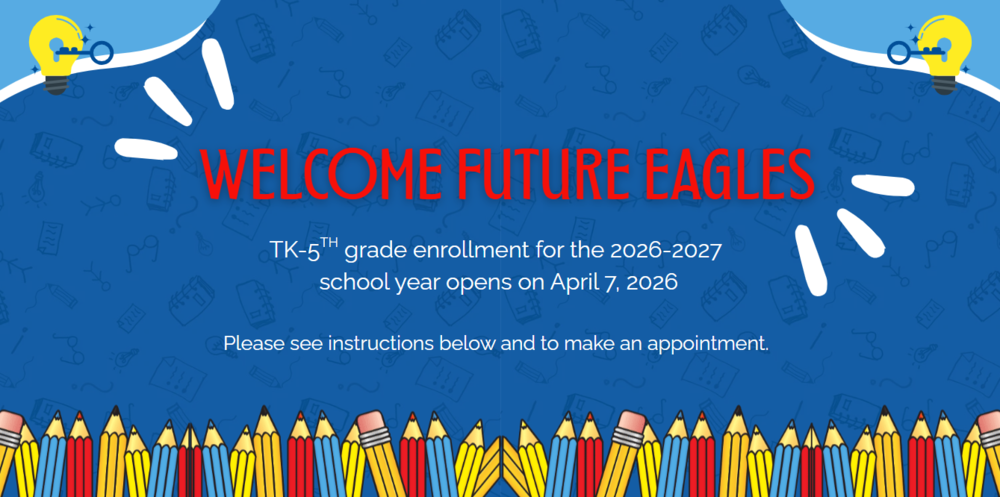
1. Find your Resident/Boundary School:
To locate your resident school, use our School Locator
2. Apply Online:
Please complete the Aeries Online Pre-enrollment
Once completed please submit, print, and sign the document
3. Required Documents for Enrollment:
Your signed and printed Aeries Online Enrollment Application
Your ID to verify your identity
Birth Certificate
Full Immunization Records Immunization requirements apply to new admissions and transfers for all grades, and students whose exceptions are no longer valid.
Your 2 Proofs of Residency, click here for the requirements. If you are new to the area, we do give you 30 days to provide your 2nd proof. (please note we do not take utility billing or deeds)
If your student is receiving services, a copy of their IEP or 504
4. Complete Enrollment:
To complete your enrollment, please select an in-person appointment through SignUpGenius. (Please note: we will NOT contact you).
All required documents must be submitted and verified by your boundary school.
PLEASE NOTE: Your student's enrollment is NOT COMPLETE until all required documents have been submitted.